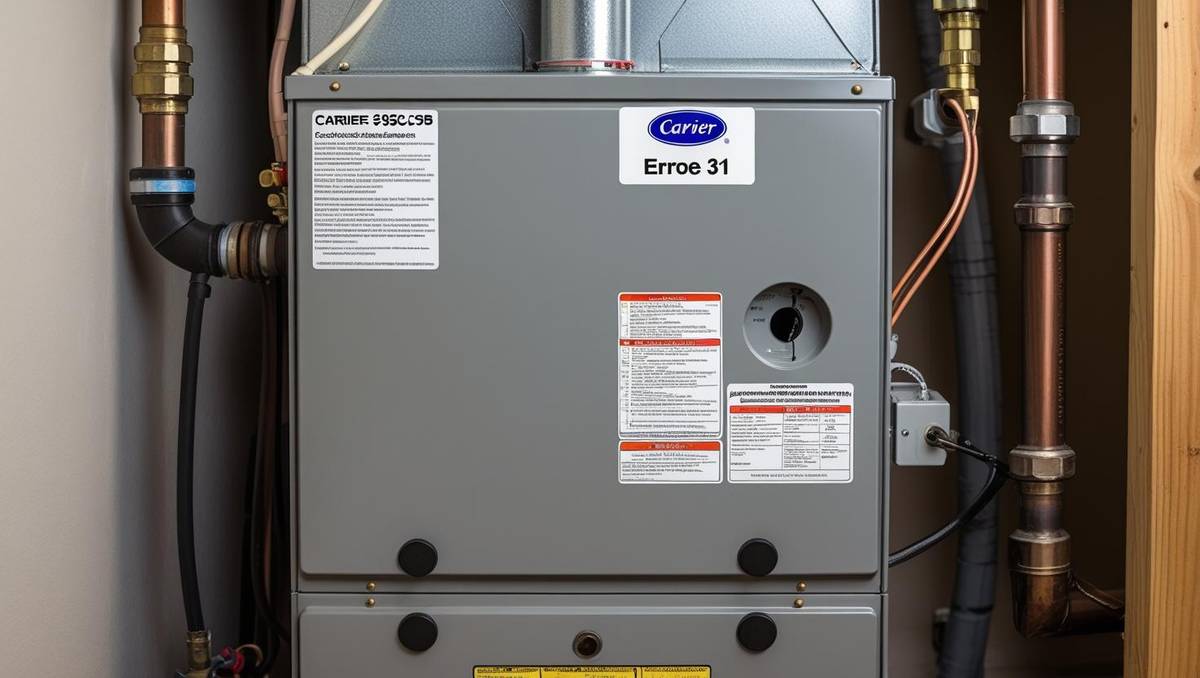
Carrier Model 59SC5B Error Code 31
Introduction
The Carrier 59SC5B is a high-efficiency, single-stage gas furnace renowned for its quiet operation and energy-saving capabilities. Its 4-way multipoise design offers installation flexibility, making it a popular choice for homeowners.
However, like any complex system, it can develop faults, with error code 31 being a frequent issue reported by users. This error can disrupt heating, leaving your home cold if not addressed promptly.
Carrier Model 59SC5B Error Code 31 typically points to a pressure switch fault, a critical safety mechanism that ensures proper airflow before the burners ignite. This comprehensive guide explores the causes, symptoms, troubleshooting steps, and solutions for error code 31.
Additionally, it provides preventive tips and guidance on when to call a professional, empowering you to maintain a warm and safe home.
Understanding Error Code 31
Carrier Model 59SC5B Error Code 31 furnace indicates a fault in the pressure switch circuit. The pressure switch ensures sufficient draft through the heat exchanger, a vital safety feature to prevent incomplete combustion. If the switch does not close or open as expected during startup, the control board halts operation and displays error code 31 via a flashing LED.
Common Causes of Error Code 31
Several factors can trigger this error:
- Venting Issues: Blockages, such as debris, ice, or animal nests, can restrict airflow, preventing the pressure switch from closing.
- Faulty Pressure Switch: Wear, corrosion, or electrical issues may cause the switch to malfunction.
- Inducer Motor Problems: A failing or obstructed inducer motor may not generate enough draft to activate the switch.
- Water Accumulation: Condensation in the venting system or inducer housing can interfere with pressure switch operation.
- Improper Venting Configuration: Incorrect pipe sizing, excessive length, or too many elbows can reduce airflow, triggering the error.
Understanding these causes helps pinpoint the issue during troubleshooting.
Symptoms of Error Code 31
When error code 31 occurs on your Carrier 59SC5B, you may observe:
- The furnace starts but shuts down within 1-2 minutes, often before the burners ignite.
- The inducer motor runs briefly before stopping.
- The control board’s LED flashes three short times, pauses, and repeats, indicating code 31.
- You might hear water swishing or gurgling, suggesting moisture in the venting system.
- In rare cases, a gas odor may be present if the igniter attempts to light the burners but fails.
Prompt recognition of these symptoms allows for quicker resolution, preventing further complications.
Detailed Troubleshooting Steps
Troubleshooting error code 31 requires a methodical approach. Below is a step-by-step guide to diagnose the issue:
Step 1: Confirm the Error Code
Verify the LED flash pattern on the control board matches error code 31 (three short flashes, pause, repeat). Consult the furnace’s user manual, typically found on the blower door, to confirm the code’s meaning.
Step 2: Check Power and Thermostat
Ensure the furnace has power and the thermostat is set to call for heat. Confirm the blower door switch is engaged, as an open switch prevents operation. Reset the furnace by turning off the power at the breaker for a few minutes, then try again.
Step 3: Inspect the Venting System
Examine both intake and exhaust vents for blockages, such as debris, ice, or animal nests. Ensure vent pipes are securely connected and not damaged. Verify that pipes are sloped downward (at least 1/4 inch per foot) to allow condensation to drain away from the furnace.
Step 4: Examine the Pressure Switch
Locate the pressure switch, usually near the inducer motor. Check the tubing for kinks, cracks, or disconnections. Look for moisture or corrosion on the switch, which could indicate a need for replacement. Ensure all connections are secure.
Step 5: Test the Pressure Switch
With the power off, disconnect the pressure switch wires. Use a multimeter to test for continuity across the switch terminals when manually depressed (if possible). The switch should show continuity when closed and none when open. Refer to the service manual for specific switch behavior.
Step 6: Check the Inducer Motor
Listen to the inducer motor during operation. It should run smoothly and quietly. Noisy or labored operation suggests damage or obstruction. Measure the voltage at the motor terminals to confirm it receives 115V AC. If the motor is faulty, it may need repair or replacement.
Step 7: Measure Vacuum Levels
Use a manometer to measure vacuum at the pressure switch ports. For the Carrier 59SC5B, typical values are approximately:
- Low-pressure switch: ~0.68 inches water column (WC)
- High-pressure switch: ~0.34 inches WC
Compare readings to the service manual specifications. Low vacuum may indicate venting issues or a weak inducer motor.
Step 8: Check for Water Accumulation
Inspect the inducer housing and exhaust pipes for water. Clear any clogs in the condensate drain. Water in the system may indicate improper venting slope or a blocked drain, which can trigger error code 31.
Step 9: Review Venting Configuration
Ensure the venting system meets manufacturer requirements. For the 59SC5B, the maximum equivalent vent length (MEVL) for 2-inch pipe is 127 feet at sea level, reduced at higher altitudes. Calculate the total equivalent length, including elbows (each 90° elbow adds ~8 feet), to ensure compliance.
Step 10: Consult Service Bulletins
Check for Carrier service bulletins related to the 59SC5B, such as DSB 14-0002 (inducer/pressure switch) or DSB 14-0010 (control board). These may provide specific guidance for resolving error code 31.
| Troubleshooting Step | Action | Expected Outcome |
| Confirm Error Code | Check LED flash pattern | Matches code 31 (3 short flashes, pause) |
| Check Venting | Inspect for blockages, ensure proper slope | Clear vents, proper drainage |
| Test Pressure Switch | Use multimeter for continuity | Continuity when closed, none when open |
| Check Inducer Motor | Listen for noise, measure voltage | Smooth operation, 115V AC |
| Measure Vacuum Levels | Use manometer at switch ports | ~0.68″ WC (low), ~0.34″ WC (high) |
Common Fixes for Error Code 31
Based on troubleshooting results, consider these solutions:
- Clear Vent Blockages: Remove debris, ice, or nests from vents to restore airflow.
- Replace Pressure Switch: If faulty, replace with a compatible part matching the original specifications.
- Repair/Replace Inducer Motor: A malfunctioning motor may need professional repair or replacement.
- Upgrade Venting Size: If vents are restrictive, upsize from 2-inch to 2.5-inch pipes to improve airflow.
- Install Drain Loop: Add a T with a drain on the exhaust pipe to manage condensation and prevent water buildup.
- Replace Control Board: If all else fails, a faulty control board may be the culprit, though this is a last resort.
Preventive Measures
Prevent error code 31 with these maintenance practices:
- Annual Inspections: Schedule professional tune-ups before the heating season.
- Filter Maintenance: Replace or clean air filters every 1-3 months to ensure proper airflow.
- Venting Checks: Regularly inspect vents for blockages or damage.
- Condensate Drain Care: Keep drains clear to prevent water buildup.
- Proper Installation: Ensure venting meets manufacturer specifications during installation.
When to Call a Professional
Some situations require expert intervention:
- If you’re uncomfortable with electrical or mechanical tasks.
- If troubleshooting doesn’t resolve the error.
- If you suspect issues with the heat exchanger or control board.
- If your warranty mandates professional service.
A licensed HVAC technician can diagnose complex issues and ensure safe, efficient operation. For professional assistance, contact a local Carrier dealer or HVAC service provider.
FAQs
Q: How do I identify error code 31 on my Carrier 59SC5B?
A: The control board’s LED will flash three short times, pause, and repeat. Check the user manual for confirmation.
Q: Can I fix error code 31 myself?
A: Yes, you can clear vents or replace a pressure switch if comfortable. Complex issues like inducer motor or control board problems may require a professional.
Q: How often should I service my furnace?
A: Annual professional inspections are recommended to prevent issues like error code 31 and maintain efficiency.
Q: Is error code 31 dangerous?
A: It triggers a safety shutdown, so it’s not immediately dangerous if addressed promptly. Ignoring it could lead to risks like carbon monoxide buildup.
Q: Can a dirty filter cause error code 31?
A: While unlikely to directly cause error code 31, a dirty filter can reduce airflow, exacerbating other issues. Regular filter changes are essential.
Conclusion
Carrier Model 59SC5B Error Code 31 furnace signals a pressure switch issue that, while concerning, is often resolvable with proper troubleshooting. By understanding its causes—venting problems, faulty switches, or inducer motor issues—you can take informed steps to restore your furnace’s operation.
Regular maintenance, such as filter changes and venting checks, prevents this error and extends your furnace’s lifespan.
Don’t let error code 31 leave you in the cold. Use this guide to diagnose and fix the issue, or contact a professional for complex repairs. Schedule your next furnace maintenance today to ensure reliable, efficient heating all winter long.
About the Author
